How to Choose and Install a 13.1-Inch or 12.3-Inch Android Car Stereo
- on November 23, 2026
- Categories: Car Stereo
ASURE INSTALLATION GUIDE
How to Choose and Install a 13.1-Inch or 12.3-Inch Android Car Stereo
Everything you should know about vehicle compatibility, wiring harnesses, CANBUS integration, and factory features before upgrading your dashboard.
Upgrading your vehicle with a large-screen Android car stereo can transform your driving experience. A 13.1-inch or 12.3-inch touchscreen provides a more immersive interface for navigation, music, Apple CarPlay, Android Auto, and other supported features.
However, choosing the right screen is about more than display size. Vehicle compatibility, dashboard design, factory audio systems, wiring harnesses, and CANBUS integration all play important roles in a successful installation.
1. Check Your Vehicle Before Choosing a Screen
Start by confirming your vehicle's exact make, model, and production year. Different trims of the same vehicle may use different dashboards, original radios, connectors, or factory audio systems.
Before ordering, prepare the following information:
- Vehicle make, model, and production year.
- Trim level and original factory radio configuration.
- A clear photo of your original dashboard and radio.
- Whether your vehicle has a factory Bose, JBL, or other amplified audio system.
- Whether you want to retain the original backup camera and steering wheel controls.
2. 13.1-Inch vs. 12.3-Inch: What Should You Consider?
Both screen sizes offer a larger viewing area than many traditional factory radios. The right choice depends on your vehicle's dashboard structure and the specific stereo designed for it.
- 13.1-inch displays: A larger visual upgrade for vehicles with a compatible dashboard layout.
- 12.3-inch displays: A wide-screen option for vehicles designed around a horizontal dashboard display.
Do not assume that a larger screen will fit every vehicle. Always check the product's specified vehicle compatibility and installation requirements.
3. Understand the Wiring Harness and CANBUS Decoder
A vehicle-specific wiring harness connects the aftermarket stereo to the vehicle's original wiring. Depending on the vehicle, a CANBUS decoder may also be included to communicate with supported factory electronic systems.
When equipped and properly configured, CANBUS integration may support functions such as:
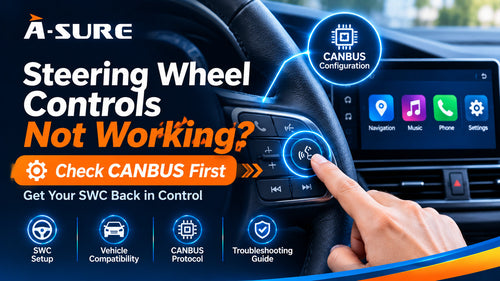
- Steering wheel control commands.
- Air conditioning information or supported controls.
- Vehicle information and other supported factory functions.
The functions available depend on the vehicle, factory equipment, CANBUS decoder, and stereo configuration. Some vehicles may require an additional wiring harness or adapter.
4. Check Your Factory Amplifier
If your vehicle has a factory Bose, JBL, or another amplified audio system, confirm that the stereo installation kit supports that system.
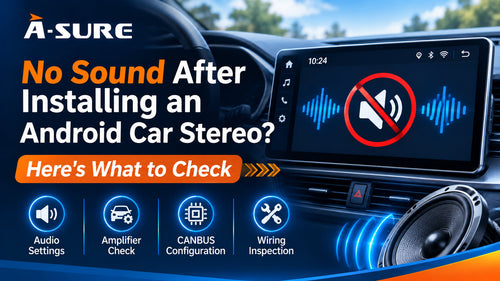
A compatible amplifier harness or adapter may be necessary. Connecting the stereo without the correct integration solution can result in no sound or incomplete audio functionality.
5. Test the Important Functions After Installation
After installation, check the following functions before considering the setup complete:
- Power on and startup operation.
- Front and rear speaker audio output.
- Steering wheel buttons.
- Air conditioning information or controls, if supported.
- Backup camera display.
- Bluetooth, Wi-Fi, and smartphone connectivity.
If a factory function does not work, check the related wiring and vehicle settings before assuming the stereo is defective.
6. Get Compatibility Assistance from ASURE
Not sure which large-screen stereo fits your vehicle? Our team can help check your vehicle configuration and identify whether an additional harness or adapter is needed.
Please provide your vehicle make, model, year, trim level, original dashboard photo, and factory amplifier information if available.
Upgrade Your Driving Experience with ASURE
Explore our large-screen Android car stereos and find a model designed for your vehicle.
Explore ASURE Car StereosNeed help? Visit our Help Center or email asure2008@gmail.com.
About Author